Indoraptor Wallpaper3.0.2
Publisher Description
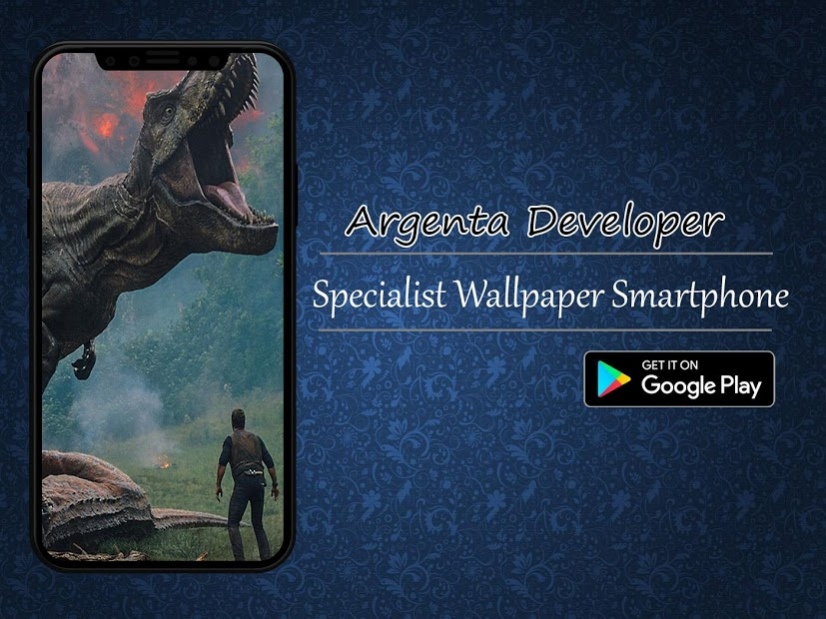
Indoraptor walllpaper is an application made for fans Indoraptor, this application contains wallpapers and backgrounds Indoraptor which you can use directly on your smartphone, you can also enjoy lots of wallpapers about Indoraptor, hopefully with Indoraptor wallpaper and can be entertained in this application, is a feature that we provide for you in the application Indoraptor wallpaper
Fitur :
1. Set as Wallpaper
2. Mark As Favourite Wallpaper
3. Share with your friend
4. More Wallppaer Indoraptor
5. Easy To use app
Tag:
Indoraptor wallpaper
Indoraptor lockscreen
Indoraptor wallpapers
Indoraptor wallpaper testing
Indoraptor wallpapers
Indoraptor wallpaper HD
Indoraptor photoshoot
Indoraptor hd
Indoraptor wallpaper
Indoraptor wallpaper 4k
Indoraptor art wallpaper
Indoraptor wallpaper 2018
best Indoraptor wallpaper
cool Indoraptor wallpaper
Indoraptor Amazing Wallpaper
Indoraptor Wallpapers
Indoraptor Wallpaper
Dinosaurs Wallpaper
Disclaimer:
All copyrighted wallpaper and trademark content for their respective owners and their use for this wallpaper app are included in the fair use guidelines. This app is intended solely for Indoraptor fans.
About Indoraptor Wallpaper
The company that develops Indoraptor Wallpaper is argenta. The latest version released by its developer is 3.0.2.
To install Indoraptor Wallpaper on your Android device, just click the green Continue To App button above to start the installation process. The app is listed on our website since 2019-09-13 and was downloaded 7 times. We have already checked if the download link is safe, however for your own protection we recommend that you scan the downloaded app with your antivirus. Your antivirus may detect the Indoraptor Wallpaper as malware as malware if the download link to com.agenta.indoraptorwallpaper is broken.
How to install Indoraptor Wallpaper on your Android device:
- Click on the Continue To App button on our website. This will redirect you to Google Play.
- Once the Indoraptor Wallpaper is shown in the Google Play listing of your Android device, you can start its download and installation. Tap on the Install button located below the search bar and to the right of the app icon.
- A pop-up window with the permissions required by Indoraptor Wallpaper will be shown. Click on Accept to continue the process.
- Indoraptor Wallpaper will be downloaded onto your device, displaying a progress. Once the download completes, the installation will start and you'll get a notification after the installation is finished.
